

API Keys
All Developer API requests require authentication via API key. These are the same API keys used for Partner Nodes and other Comfy platform features.Getting Your API Key
API keys are managed at platform.comfy.org:1
Visit platform.comfy.org and Log In
Go to platform.comfy.org/login and sign in with your Comfy account (Email, Google, or GitHub).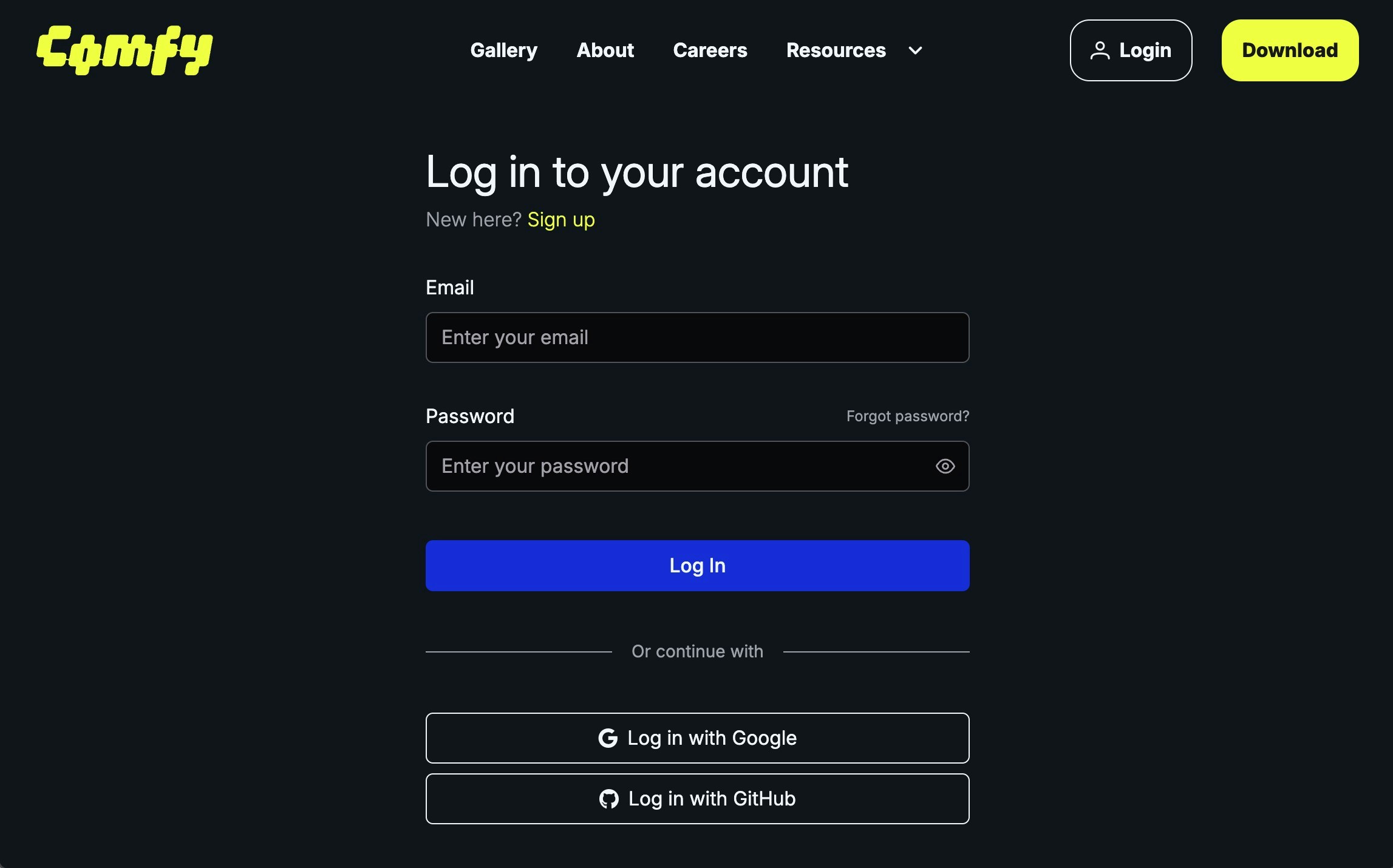
2
Create an API Key
Click + New in the API Keys section.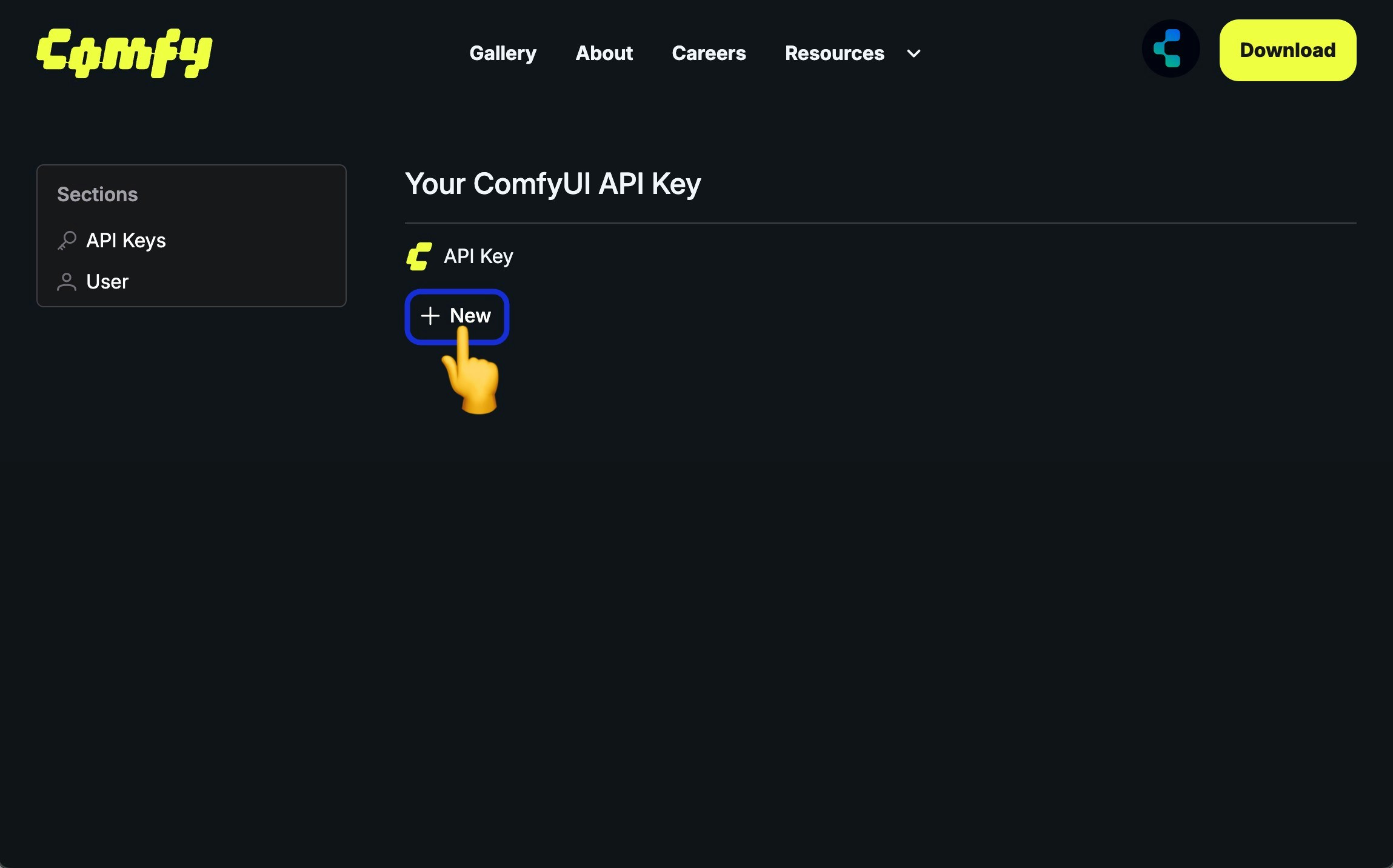
3
Name Your Key
Enter a descriptive name (e.g., “Production Backend”, “Local Dev”) and click Generate.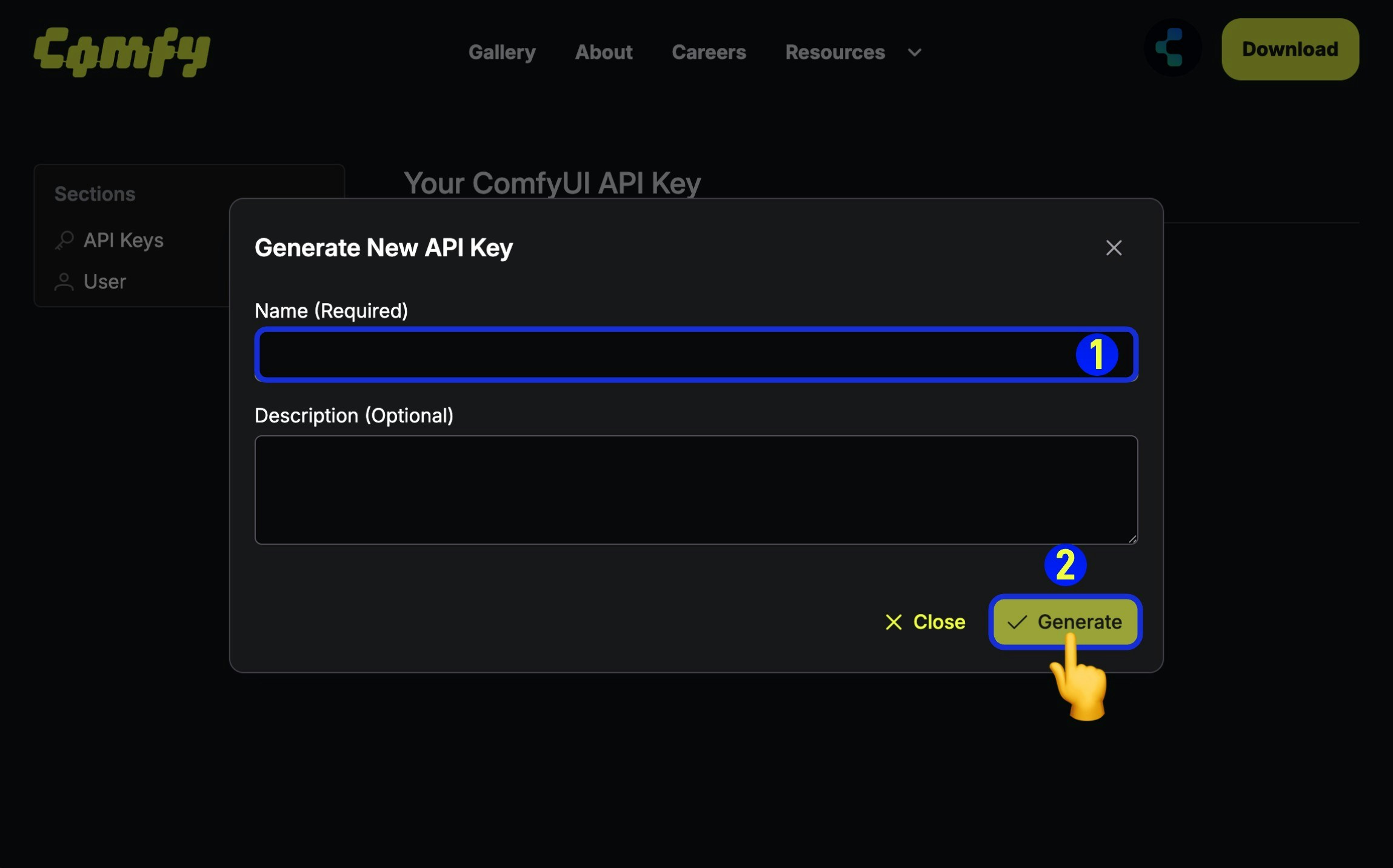
4
Save Your Key
Copy and save your API key immediately.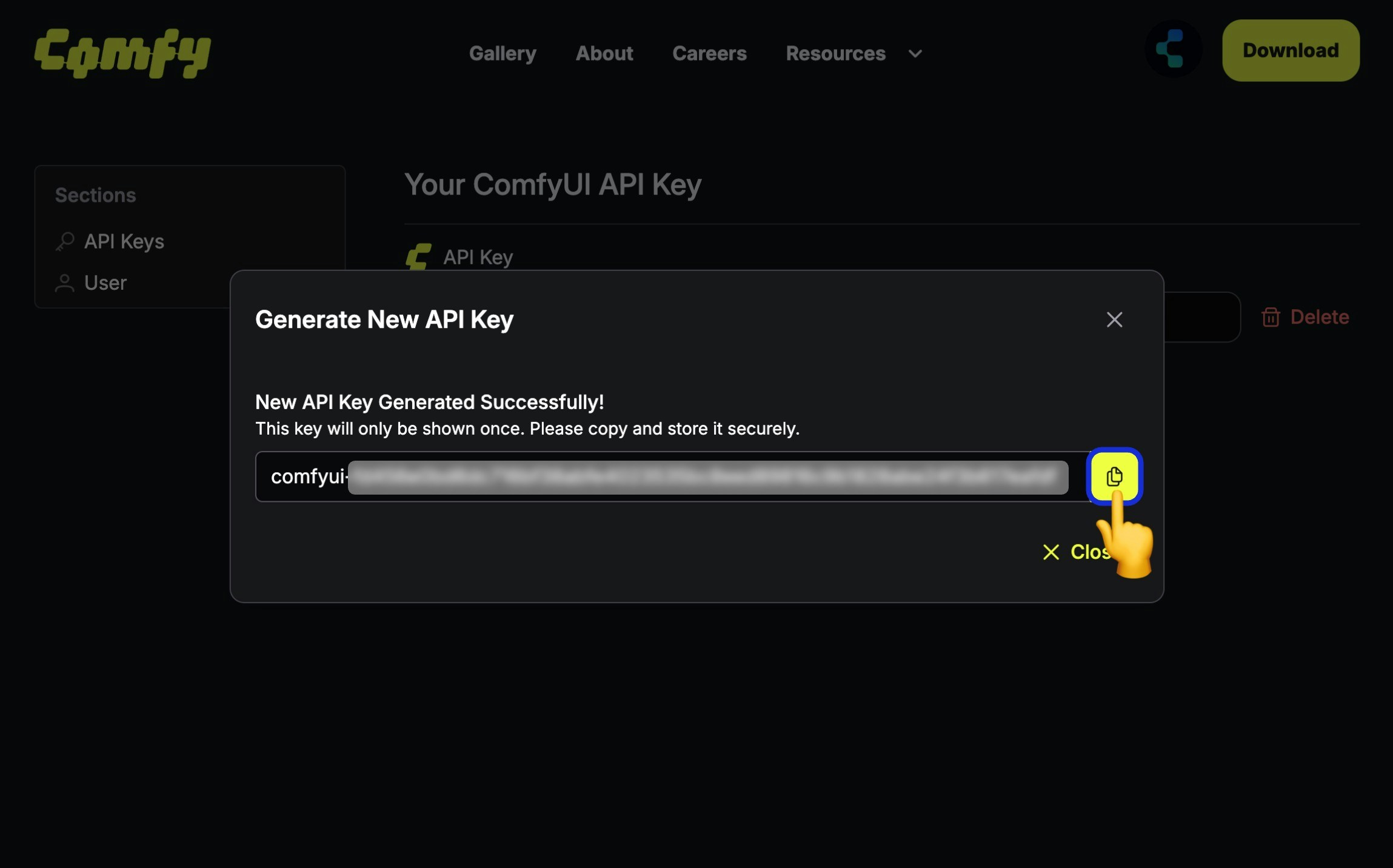
Managing API Keys
You can view and delete your API keys at platform.comfy.org: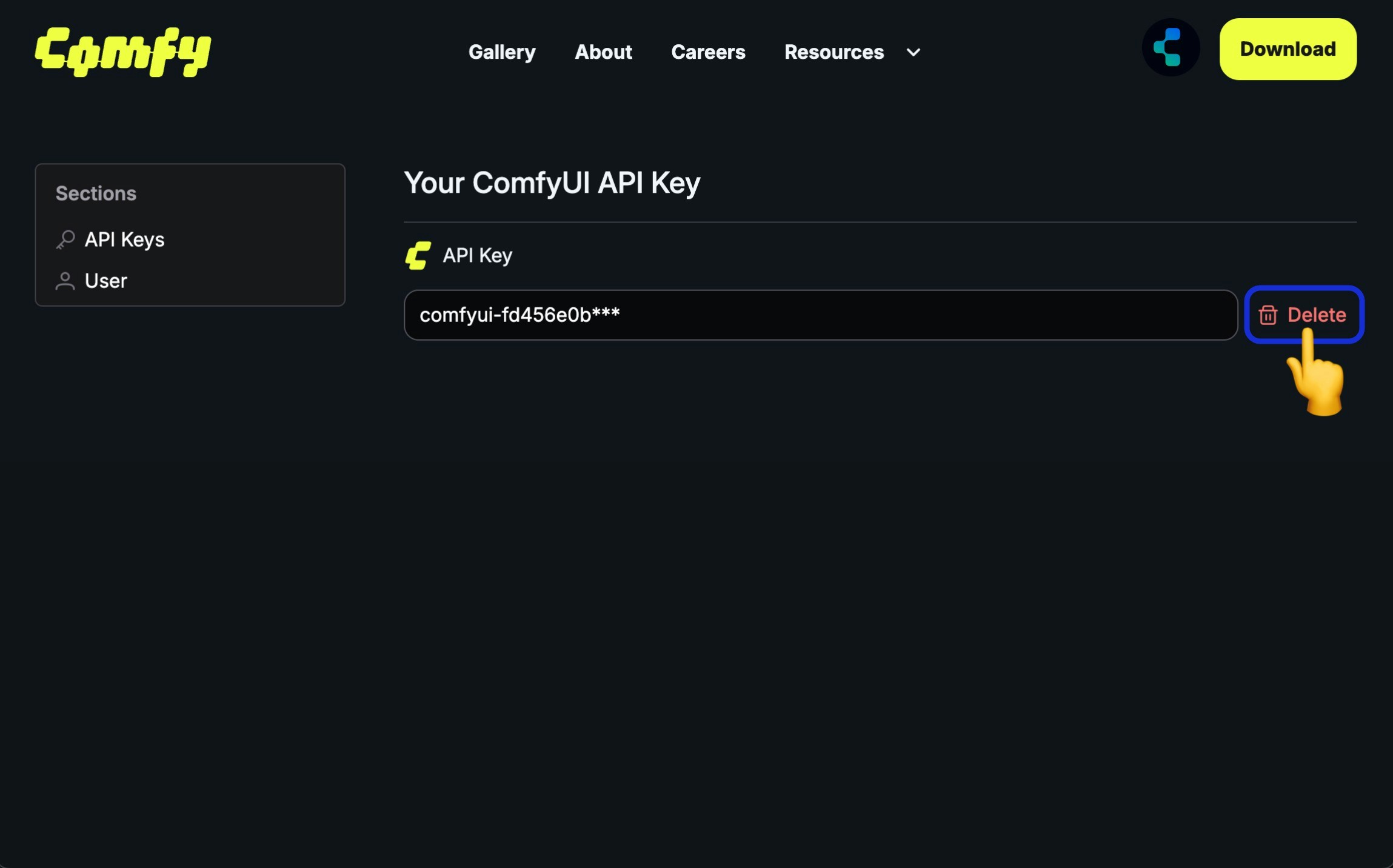
Using Your API Key
Include the API key in theAuthorization header:
Environment Variables
We recommend storing your API key in environment variables:Environments
Rate Limits
The API has rate limits to ensure fair usage:
When rate limited, you’ll receive a
429 Too Many Requests response. Implement exponential backoff in your retry logic.
Error Responses
Authentication errors return401 Unauthorized:
- Missing
Authorizationheader - Malformed header (should be
Bearer <key>) - Revoked or deleted API key
- Using wrong environment’s key
Related
Account Login
Full account management and login options
Partner Nodes
Using API keys with Partner Nodes